Correct paper size are set for printing:
 |
| Open Microsoft Word or any software that lets you print |
 |
| Go to File and click he Page setup |
 |
| A new window will then appear |
 |
| In the new window you can choose what paper size you want it to be |
 |
| You could also choose what orientation you want it to be and set the margins |
Default folder settings are correct:
 |
| Go to Control Panel |
 |
| Choose Appearance and Personalization |
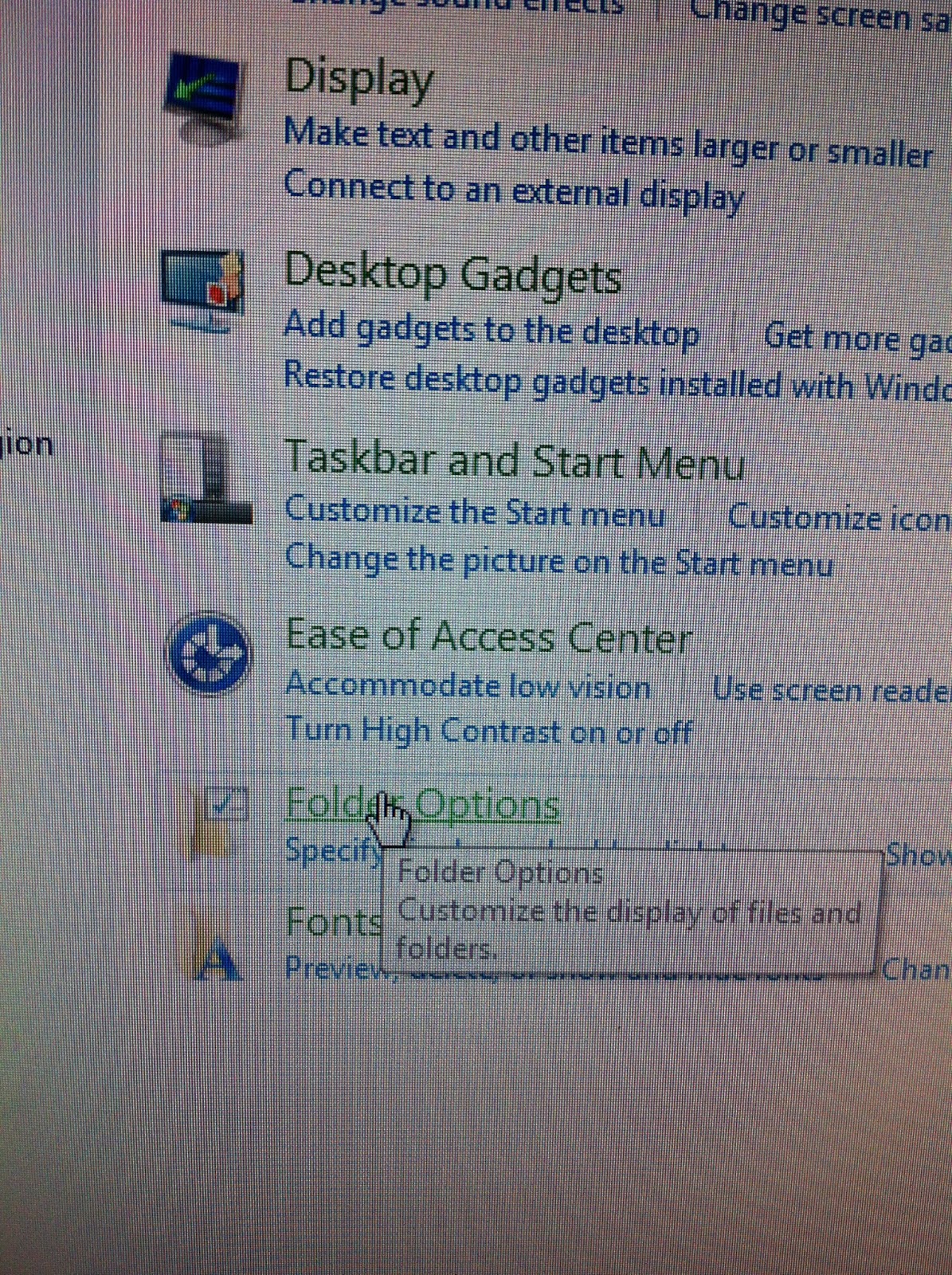 |
| Find Folder Options and click it |
 |
| A window will then appear |
 |
| If the folder option window, you will find Restore Default button |
 |
| You then click Restore Defaults and click Apply |
 |
| Right-click the shortcut that is not in the right place , click 'Send to' and then choose 'Desktop (create shortcut)' |
 |
| The shortcut will then appear in the desktop |

After research a number of of the blog posts in your web site now, and I actually like your approach of blogging. I bookmarked it to my bookmark website record and might be checking back soon. Pls take a look at my website online as nicely and let me know what you think. casino slots
ReplyDelete